Define Your Rental Business Model
Before building a car rental website, you need clarity about your business model. Are you offering economy cars for local daily rentals, luxury vehicles for events, airport pickup services, or long term corporate leases. Each model requires different messaging, pricing structure, and vehicle presentation. A clear focus helps you design the website around real customer needs instead of creating a generic layout that tries to serve everyone.
Your business model also affects how vehicles are organized and how booking works. For example, a luxury rental service may emphasize premium imagery and brand positioning, while a local budget rental company may highlight transparent pricing and availability. Defining your model first ensures that every next step, from choosing a platform to selecting a template, supports your specific goals and target audience.
Choose Your Target Location
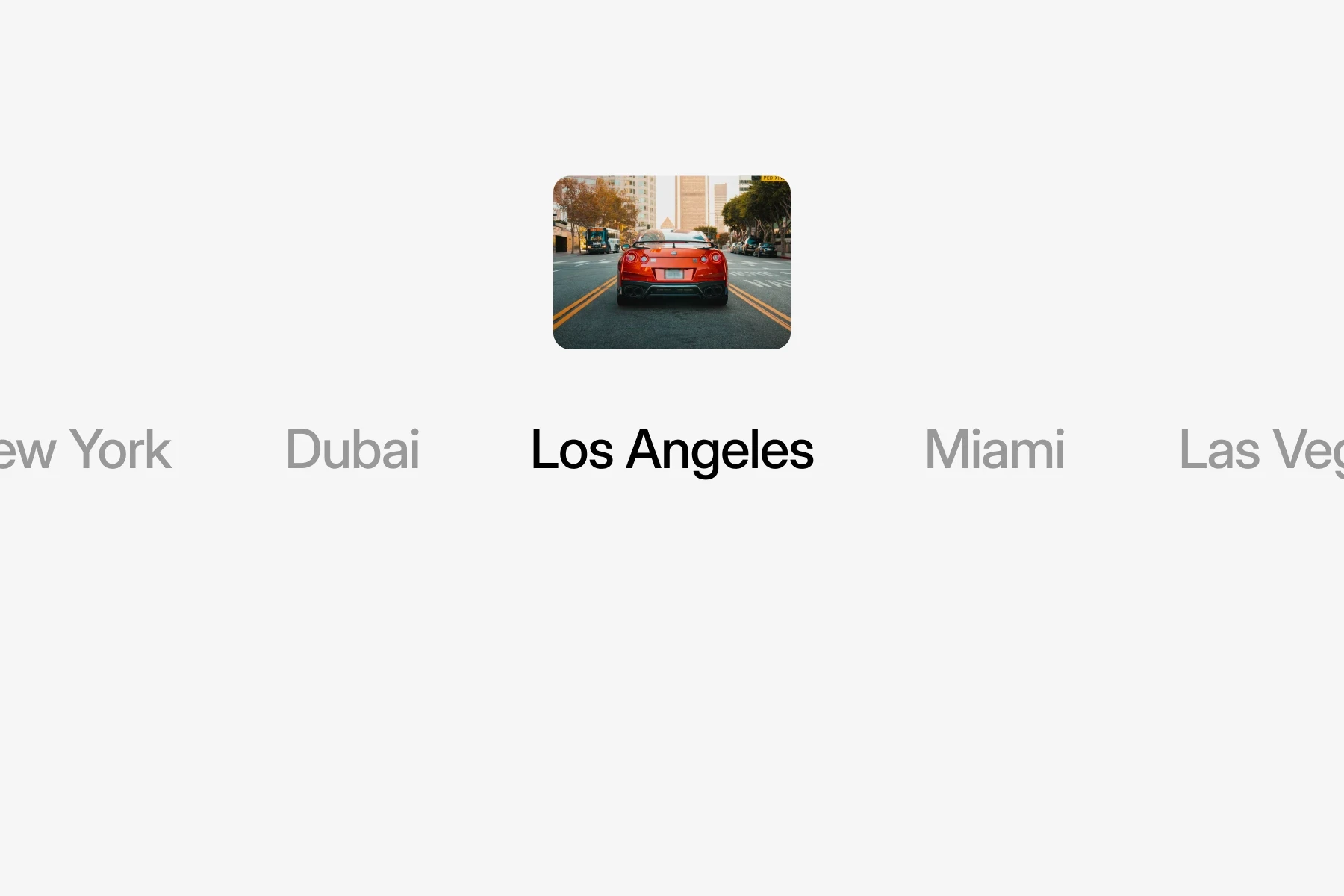
Most car rental businesses depend on local demand, which makes location one of the most important decisions before building your website. Your city or region should be clearly reflected in your domain name, page titles, and content. Many customers search using phrases such as car rental in city name or airport car hire near me, so your website must align with how people actually look for services online.
Choosing your target location also helps structure your content properly. You may need dedicated pages for airport transfers, downtown pickup points, or popular tourist areas. When your website clearly communicates where you operate and who you serve, it becomes easier for customers to trust your service and move forward with a booking.
Register a Clear and Memorable Domain
Your domain name should be simple, easy to spell, and directly connected to your business. Avoid long or complicated names that customers may forget. If possible, include a keyword related to car rental or your target location to improve clarity and recognition. A clean domain builds trust and makes it easier for customers to return to your website later.
Before registering the domain, check availability across social platforms to maintain brand consistency. Using the same name for your website and social media accounts strengthens your brand presence and makes marketing more effective. A professional domain sets the foundation for credibility and long term growth.
Select the Right Website Platform
Choosing the right platform determines how easily you can manage your website in the long term. A car rental website requires structured vehicle listings, clear booking paths, fast loading speed, and control over layout. Many traditional platforms rely on multiple plugins that increase complexity and slow performance, which can affect user experience and visibility.
For car rental businesses looking for a flexible and modern solution, platforms such as Framer offer a clean and structured environment for building organized vehicle pages, location based landing pages, and simple inquiry forms. The key is choosing a platform that allows you to update listings, adjust pricing, and manage content without ongoing technical complications.

Choose a Car Rental Website Template
After selecting the platform, the next step is choosing a template that already reflects the structure your business needs. A car rental website must present vehicles clearly, highlight pricing, and make booking simple. Starting with a structured template reduces development time and prevents common layout mistakes that slow down conversions.
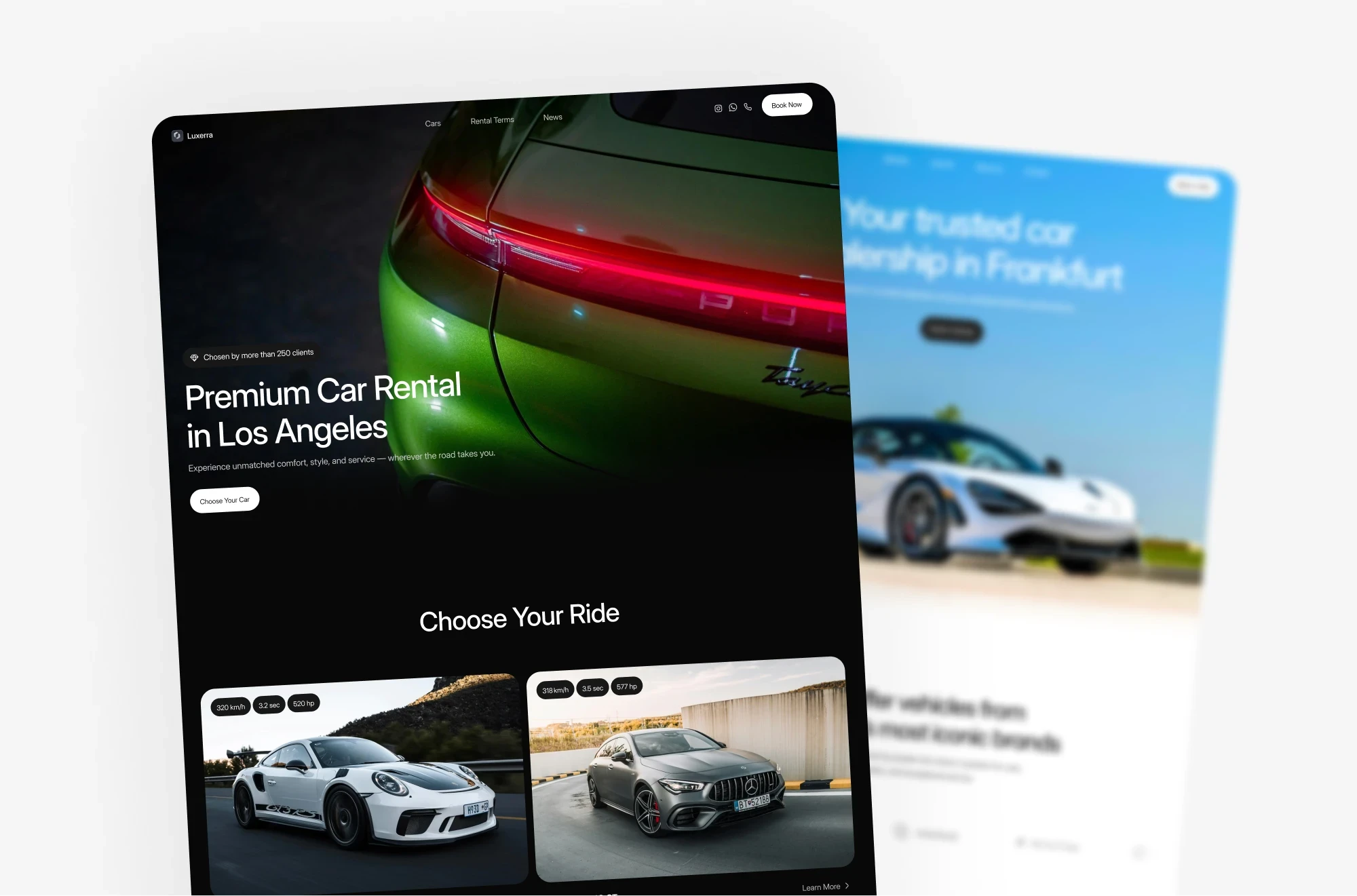
For example, Luxerra is built for car rental businesses that need a clean and structured presentation. It includes organized vehicle listings, detailed car pages, and clear pricing sections with visible inquiry options. The layout supports easy browsing and comparison, helping customers move toward booking without confusion. Starting with a focused template allows you to launch efficiently while maintaining a professional appearance.
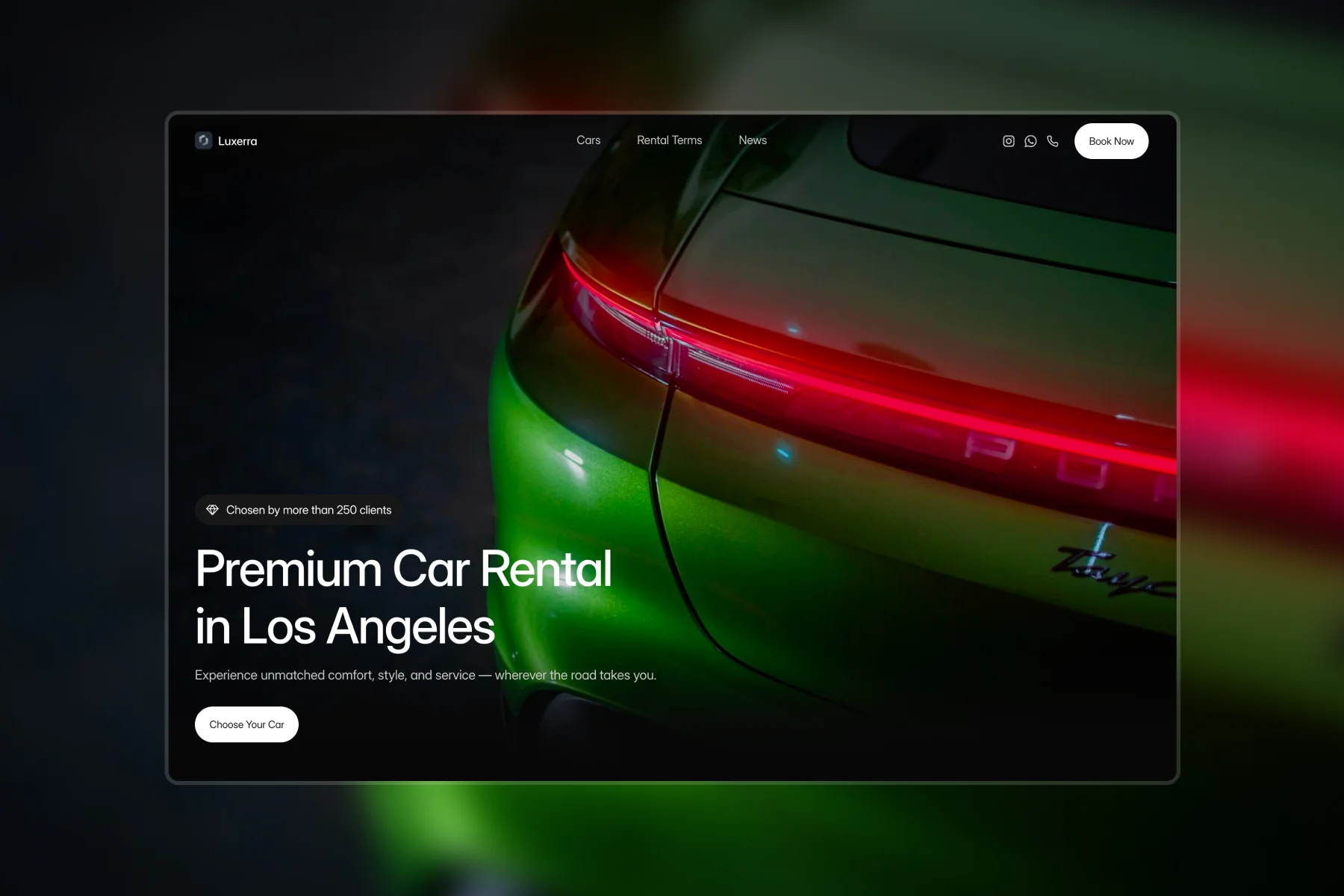
Example of a structured car rental website template with organized vehicle sections and a clear booking path designed for conversions.

Add Structured Vehicle Listings
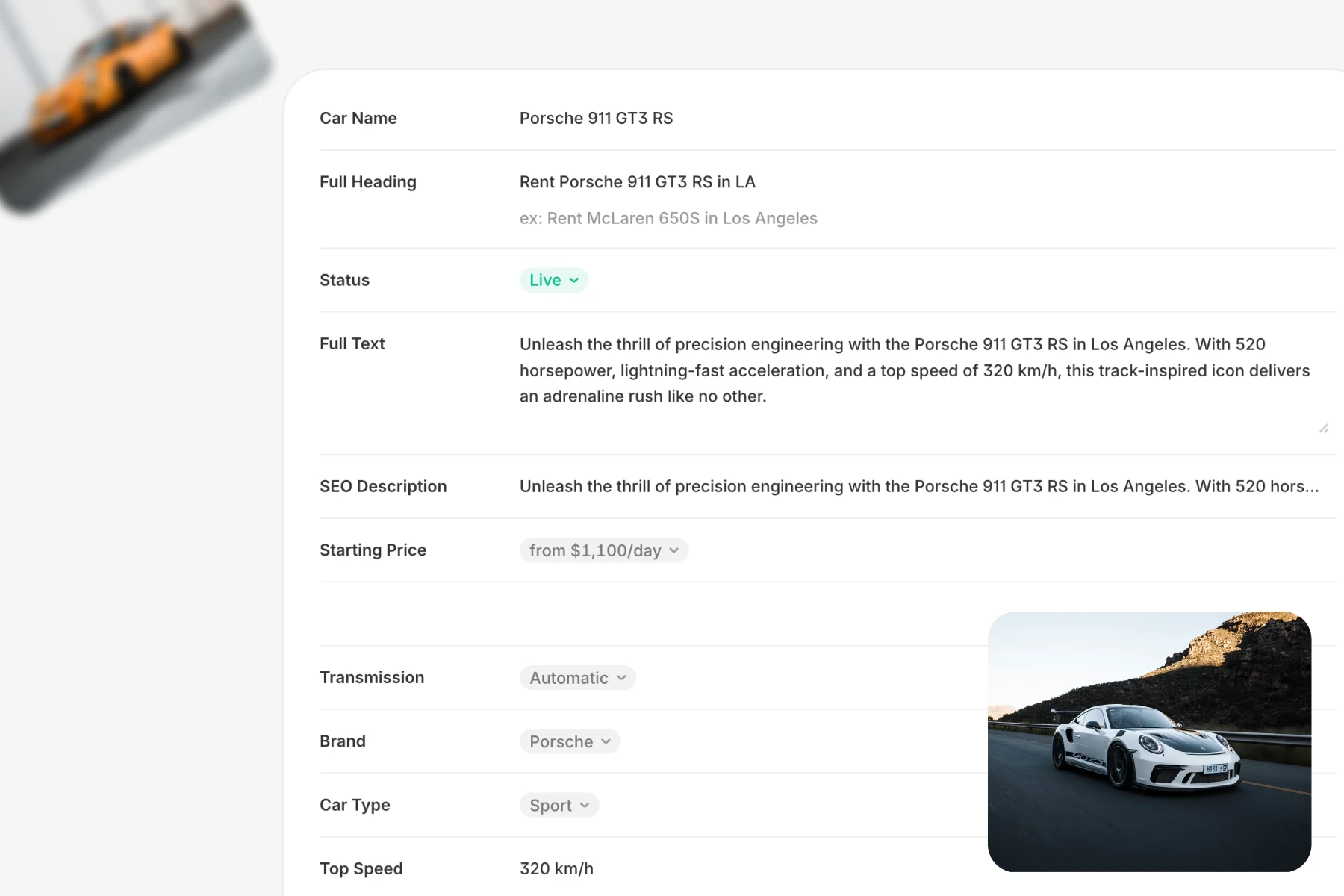
Vehicle presentation is the core of any car rental website. Each car should have its own dedicated page with clear photos, pricing, specifications, and availability details. Include information such as transmission type, fuel policy, mileage limits, and insurance options so customers do not need to search elsewhere for answers.
Organizing vehicles into categories such as economy, SUV, luxury, or long term rentals improves browsing and keeps visitors engaged. When users can filter and compare cars easily, they are more likely to stay longer on the website and complete an inquiry.
Set Up a Clear Booking or Inquiry System
Your website must guide visitors toward action. Whether you use a direct booking system or an inquiry form, the process should feel simple and visible on every vehicle page. Buttons such as Book Now or Check Availability should appear clearly and remain easy to find.
Avoid long and complicated forms. Ask only for essential details such as dates, pickup location, and contact information. When the process feels quick and secure, more visitors complete the booking instead of postponing their decision.
Create Pricing and Rental Policy Pages
Transparent pricing builds trust. Your website should clearly explain daily rates, deposits, mileage limits, and any additional fees. Customers hesitate when pricing is unclear, so structured pricing sections reduce confusion and improve conversion rates.
A dedicated rental policy page is equally important. Include information about insurance coverage, age requirements, cancellation terms, and fuel policy. Clear rules prevent misunderstandings and reduce customer support requests.
Optimize for Local Search Visibility
Most car rental customers search locally. Your website should clearly mention your city, service areas, and pickup locations. Including structured location content helps search engines understand where you operate and increases the chances of appearing in relevant searches.
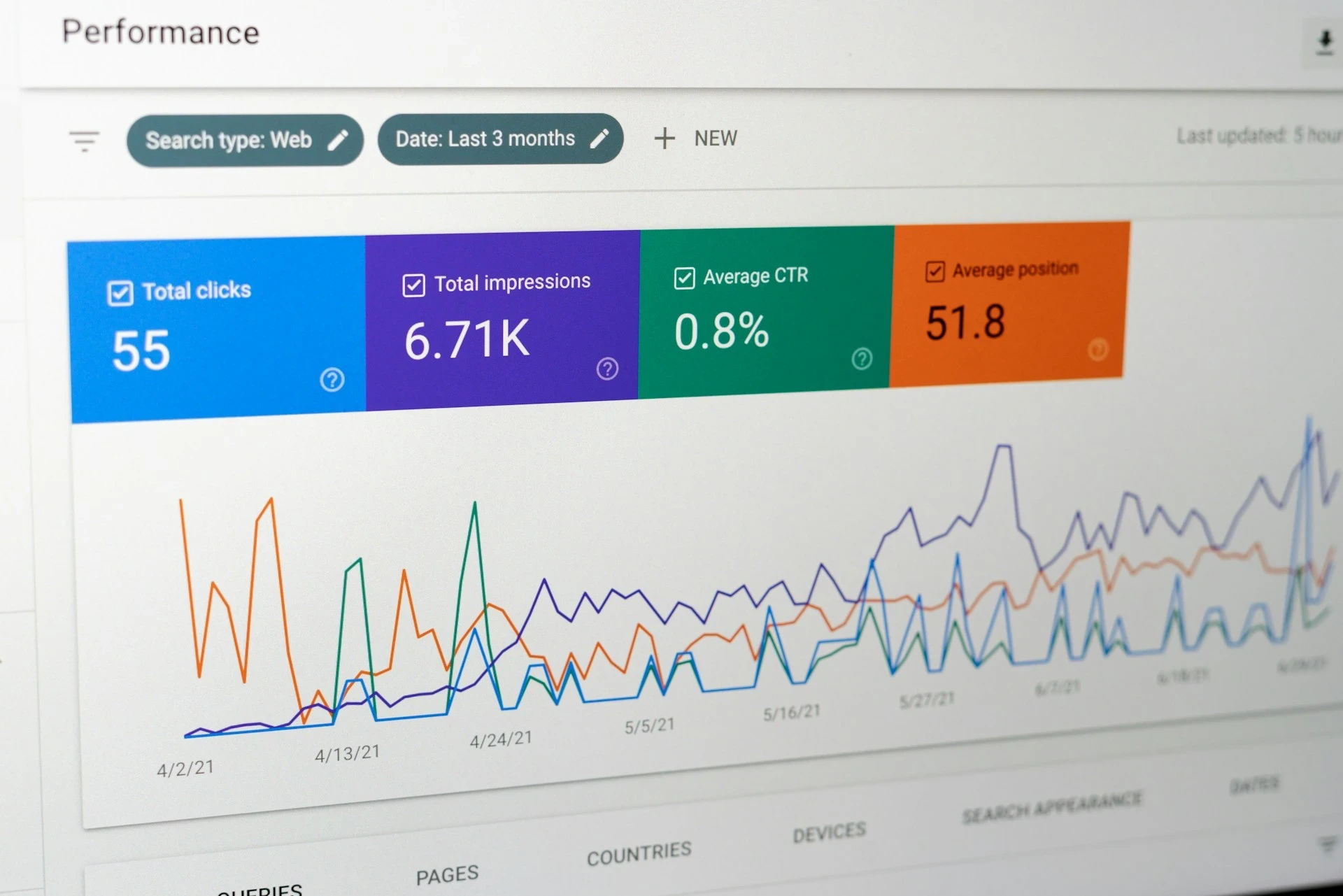
Create location specific landing pages if you serve multiple areas. Add consistent contact details and integrate your Google Business Profile. Connecting your website to Google Search Console also helps monitor indexing, track search queries, and identify pages that need improvement. Local visibility brings customers who are actively looking to rent a car in your region and are ready to make a booking decision.
Test, Launch, and Promote
Before launching, review your website on both desktop and mobile devices. Check loading speed, booking flow, contact forms, and navigation. A smooth user experience directly affects how many visitors turn into paying customers.
After launch, promote your website through local listings, social media, and partnerships with hotels or travel agencies. Regularly update vehicle listings and pricing to keep the site accurate. A well maintained website becomes a long term asset that supports steady bookings and business growth.
Conclusion
Creating a car rental website becomes manageable when you follow a structured process. By defining your business model, choosing the right platform, organizing vehicle listings, and building a clear booking path, you create a website that supports real customer decisions rather than simply presenting information.
A well structured website improves trust, increases inquiries, and strengthens local visibility over time. If you want to launch faster with a layout designed for automotive businesses, explore our automotive website templates to see how structured design and clear vehicle presentation can support steady growth.